New Life Hospital
✓ Recommended installation for all supported devices

Install New Life Hospital

Get faster access to hospital support, receive important message notifications and open patient chat directly from your phone’s home screen.

⏱ Less than one minute 🔒 Secure patient login 🔔 Hospital message alerts ⚡ Faster access and faster replies
Continue Chatting with Hospital without Installing Not recommended for Android
New Life Hospital Tap to open patient chat

Watch how installation works

This animated demonstration automatically shows every stage—from opening Chrome to receiving hospital notifications.

Open in Google Chrome
Visit the secure New Life Hospital installation page.
New Life Hospital
Install App

Install app?

New Life Hospital will be added to your home screen.

Cancel Install
Open from your home screen
New Life Hospital A new hospital support message has arrived.
Receive hospital notifications
Interactive installation guide

Open the installation page

Open this page in Google Chrome on the Android phone where you want to install the app.

Step 1 of 6

Four installation pictures

These illustrations show the main installation screens you will see on an Android phone.

1 Open the installation page in Chrome

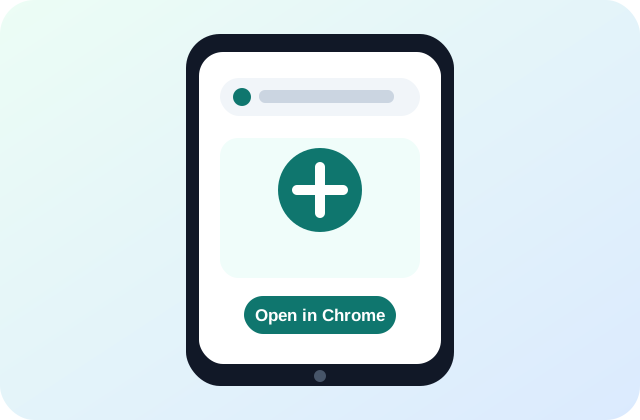
Open in Chrome

Open this installation page using Google Chrome on your Android phone.
2 Tap the Install App button

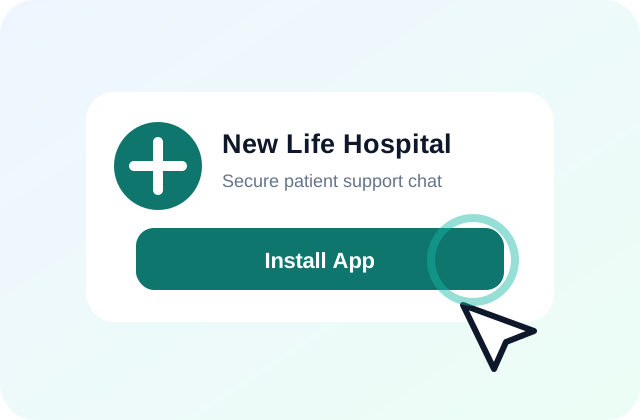
Tap Install App

Tap the large green installation button near the top of this page.
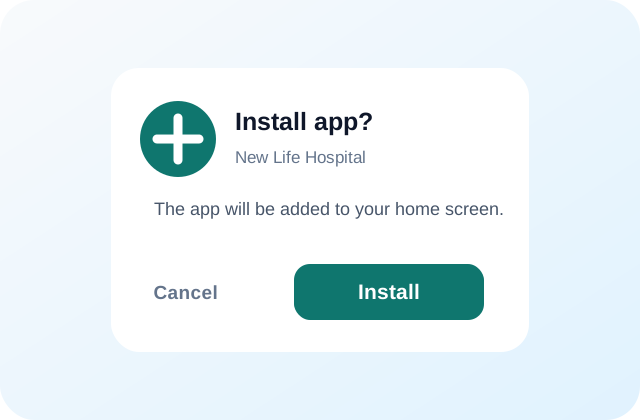
3 Confirm installation in Chrome

Confirm installation

When Chrome displays the confirmation window, tap Install.
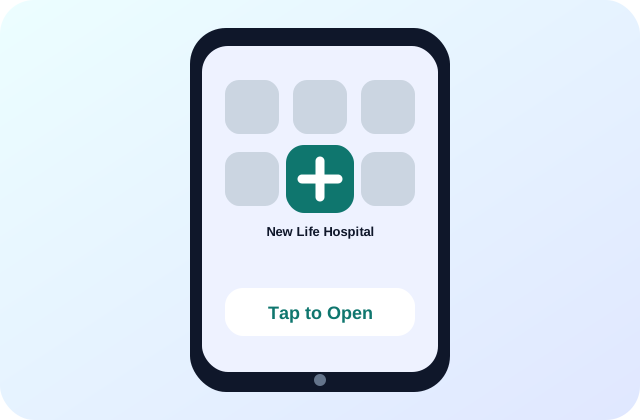
4 Open New Life Hospital from the home screen

Open the app

Find New Life Hospital on your home screen and open it to reach Patient Login.

Detailed installation help

Use these instructions when the normal installation prompt does not appear.

Android and Google Chrome

  1. Open this page in Google Chrome—not inside WhatsApp, Facebook or another in-app browser.
  2. Tap the large Install New Life Hospital button.
  3. When Chrome asks for confirmation, tap Install.
  4. Wait a few seconds while Android adds the app.
  5. Find New Life Hospital on the home screen or inside the app drawer.
  6. Open it and log in using your registered mobile number and 4-digit PIN.
  7. Tap Enable Notifications in Patient Chat.
  8. Select Allow when Android asks for notification permission.

When the Install button does not work

  1. Tap Chrome’s three-dot menu in the upper-right.
  2. Choose Install app or Add to Home screen.
  3. Confirm the installation.
  4. Make sure Chrome notifications are allowed in Android Settings.
  5. Remove an older Hospital Chat installation before reinstalling.
  6. Reopen this page and try again.

iPhone or iPad

  1. Open this page in Safari.
  2. Tap the Safari Share button.
  3. Choose Add to Home Screen.
  4. Confirm the name New Life Hospital.
  5. Tap Add.
  6. Open the new icon from your home screen.

After installation

  • The app opens directly on Patient Login.
  • Patient Chat works in its own app window.
  • New messages can appear as Android notifications.
  • The app can be reopened from the home screen.
  • Sign out is available inside the Patient Chat menu.
  • Notifications must be enabled again after signing out.

Ready to install?

Return to the top and tap Install New Life Hospital. The process normally takes less than one minute.

Go to Install Button ↑